
A professional laptop repair service deals with challenges that desktop computers never face. Laptops are portable devices that get carried in bags, used on laps and pillows, bumped against doorframes, and exposed to coffee spills during morning meetings. Every component — the screen, the keyboard, the battery, the hinges, the trackpad, the cooling system — is packed into a thin sealed chassis where space is measured in millimeters. Repairing a laptop requires precision that desktop repair does not demand, because one wrong move in a tight chassis can damage a cable, crack a connector, or strip a delicate screw.
At PC Mobile, our technicians repair laptops from every major manufacturer — Dell, HP, Lenovo, Asus, Acer, Samsung, MSI, and more. We handle everything from cracked screens and dead keyboards to overheating fans and failed hard drives. Every laptop repair comes with our 30-day warranty on parts and labor.
Laptops and desktops both run Windows, but they are engineered completely differently. Every design decision in a laptop prioritizes portability over accessibility — which makes repairs more complex.
iPhone X and newer
Power Supply
Laptops get dropped, sat on, knocked off tables, squeezed in overpacked bags, and used on soft surfaces that block air vents. These portability-related injuries create repair needs that desktops never face. Cracked screens from drops. Broken hinges from being opened too far. Coffee spills through the keyboard into the motherboard. Overheating from using the laptop on pillows and blankets that block the air intake vents. Each of these is a laptop-specific problem with a laptop-specific solution.
Desktop Computers
Modern laptops are designed to be as thin as possible, which leaves very little room for the cooling system. Most laptops have only one or two small fans and a single heat pipe connecting the processor to the exhaust vent. When dust accumulates inside — which happens within the first year of daily use — airflow drops dramatically and the laptop starts overheating. Overheating causes thermal throttling (the processor slows itself down to prevent damage), which makes your laptop feel sluggish even though nothing is technically broken. Our thermal cleaning service removes the dust, replaces the thermal paste, and restores full cooling performance.

Laptop screen repair is the most common service we handle — and it is also the most searched laptop repair term nationally at over 12,000 monthly searches. Laptop displays range from basic 15.6-inch HD panels on budget models to high-resolution IPS, OLED, and touchscreen displays on premium laptops. Each screen must be matched precisely to your laptop model — the connector type, the panel size, the mounting brackets, and the backlight type must all match exactly. We stock screens for the most popular Dell, HP, Lenovo, Asus, and Acer models and can source replacements for less common laptops within one to three business days. Most laptop screen replacements take one to two hours.

Laptop keyboards fail from wear, liquid spills, broken key caps, and stuck keys. Unlike desktop keyboards that plug in and unplug in seconds, laptop keyboards are built into the chassis — replacement requires partial disassembly of the laptop. On most Windows laptops, the keyboard is a single replaceable unit. We source exact-match keyboards for Dell, HP, Lenovo, Asus, and Acer models. If only one or two keys are physically broken, we can sometimes replace individual key caps and scissor mechanisms without swapping the entire keyboard. Most keyboard replacements take 45 to 90 minutes.
Laptop batteries degrade after two to four years of daily use. If your laptop dies within an hour of unplugging, shuts down unexpectedly at 30 or 40 percent, or the bottom of the laptop feels swollen or warm even when idle, the battery needs replacement. A swollen laptop battery is a safety concern — it can push the trackpad upward, crack the bottom panel, or in extreme cases pose a fire risk. Bring it in promptly. We replace batteries on all major laptop brands using cells that meet or exceed the original capacity rating. Most replacements take 30 to 60 minutes.
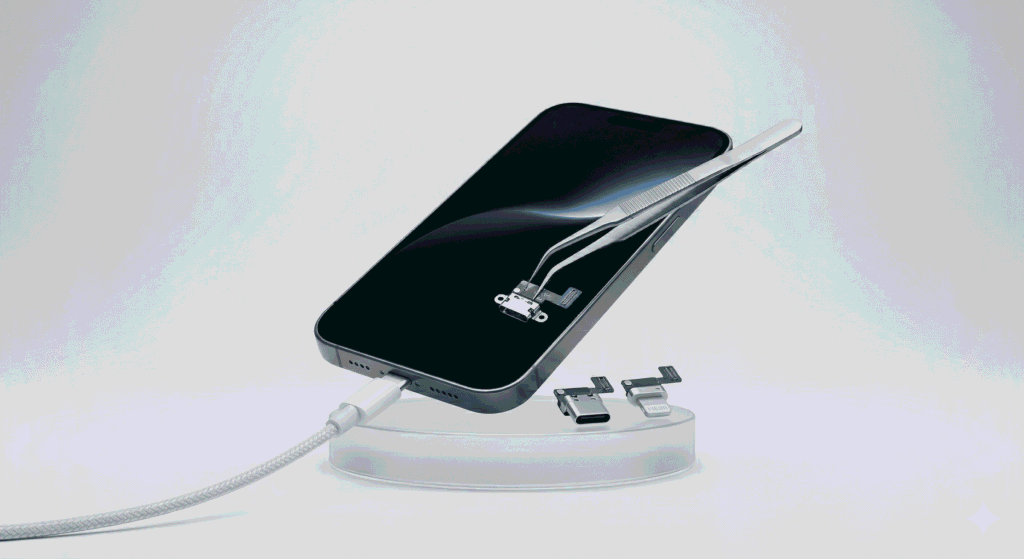

Laptop charging ports endure constant plugging and unplugging, and the cable gets yanked at angles when the laptop is moved while charging. Over time, the port connection loosens or the internal solder joints crack, causing intermittent charging or no charging at all. We repair and replace charging ports on all laptop brands — both barrel-style DC jacks on older models and USB-C charging ports on newer ones.
Replacing a traditional spinning hard drive with a solid-state drive (SSD) is the single most impactful upgrade for an older laptop. Boot times drop from minutes to seconds. Apps open faster. The laptop feels new. We clone your existing drive to the new SSD so you keep all your files, programs, and settings. Adding RAM (if your laptop has accessible RAM slots) further improves multitasking performance. Not all laptops allow RAM upgrades — some ultrabooks have soldered memory — but we check your specific model and tell you what is possible before proceeding.
Replacing a traditional spinning hard drive with a solid-state drive (SSD) is the single most impactful upgrade for an older laptop. Boot times drop from minutes to seconds. Apps open faster. The laptop feels new. We clone your existing drive to the new SSD so you keep all your files, programs, and settings. Adding RAM (if your laptop has accessible RAM slots) further improves multitasking performance. Not all laptops allow RAM upgrades — some ultrabooks have soldered memory — but we check your specific model and tell you what is possible before proceeding.
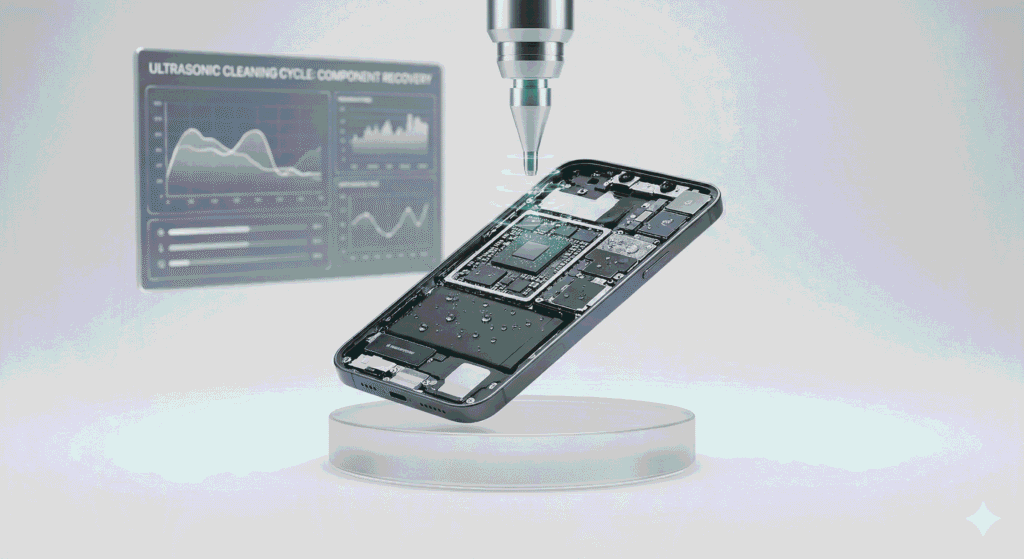
Coffee, water, soda, and other liquids spilled on a laptop keyboard can seep through to the motherboard within seconds. If this happens, power off the laptop immediately, do not try to charge it, and bring it in as soon as possible. Our water damage process includes immediate disassembly, ultrasonic cleaning of affected components, corrosion inspection, and individual component testing. The sooner we see the laptop after a spill, the better the recovery chances.
Laptop motherboard failures cause symptoms like no power, random shutdowns, no display output, or USB ports not working. Unlike desktops where motherboard replacement is straightforward (standardized ATX sizes), laptop motherboards are model-specific — each one is shaped to fit only that specific laptop model. We perform board-level diagnosis and, when possible, component-level repair on the existing board to avoid the cost of a full motherboard replacement.
We repair laptops from every major manufacturer. Below are the brands and model lines our customers bring in most frequently.
HP Pavilion (consumer), HP Envy (premium), HP Spectre (ultrabook), HP ProBook and EliteBook (business), HP Omen and Victus (gaming). HP is the most commonly repaired laptop brand globally. “HP laptop preparing automatic repair” is one of the most-searched HP-specific emergency terms — a Windows error we resolve regularly
Lenovo ThinkPad (business — the most trusted business laptop brand), Lenovo IdeaPad (consumer), Lenovo Yoga (convertible/2-in-1), Lenovo Legion (gaming). ThinkPad repairs are common in the Sterling-Ashburn tech corridor where government contractors and IT professionals rely on them daily.
We also repair Samsung Galaxy Book, MSI gaming laptops, Razer Blade laptops, Toshiba (legacy models), and Microsoft Surface Laptop devices. If your laptop brand is not listed here, bring it in — we repair all Windows laptop brands regardless of manufacturer.
Most laptop screen replacements take one to two hours. The exact time depends on your laptop model — some screens are held by simple clips, while others require removing the entire back panel and multiple cables. We give you a clear time estimate before starting.
Yes. Laptop hinge repair is one of our most common services. We reinforce the mounting points, replace the hinge mechanism if needed, and repair any damage to the surrounding chassis. Hinge problems tend to worsen over time, so addressing them early prevents more expensive damage to the screen or base.
Laptop keyboard replacement cost varies by brand and model. Budget laptops tend to have less expensive keyboards, while premium ultrabooks and gaming laptops may cost more. We provide a free quote before starting. If only one or two keys are damaged, we may be able to replace individual key caps at a lower cost than a full keyboard swap.
In many cases, repair is significantly cheaper than replacement. An SSD upgrade and thermal cleaning on a three-to-five-year-old laptop can make it feel new for a fraction of replacement cost. However, if the motherboard has failed, repair cost exceeds half the price of a comparable new laptop, or the device no longer receives Windows updates, buying new may be the better choice. We give you an honest recommendation every time.
Dead pixels are a hardware defect in the LCD or OLED panel itself. Software “pixel fix” tools rarely work on truly dead pixels. If the dead pixels are bothersome enough to affect your use of the laptop, screen replacement is the reliable solution. We can show you what the replacement panel looks like and give you a quote before deciding.
Power it off immediately. Do not try to turn it back on. Do not plug it in. Flip the laptop upside down to let liquid drain away from the motherboard. Then bring it to us as quickly as possible. The faster we can open it, clean the components, and remove corrosion-causing moisture, the better your chances of a full recovery.
Yes. Gaming laptops from Asus ROG, Acer Predator, MSI, Alienware, HP Omen, and Lenovo Legion are all devices we repair regularly. Gaming laptops often need thermal paste replacement and fan cleaning because their high-performance processors generate significant heat in a thin chassis. We also handle screen replacements, keyboard swaps, and battery replacements on all gaming laptop brands.
No. Walk-ins are welcome during business hours. Bring your laptop and its charger. You can also call (703) 594-9339 or fill out our online quote form for a free estimate before visiting.
We serve laptop owners from Sterling (20164), Ashburn (20147, 20148), Herndon, Dulles, South Riding, Cascades, Potomac Falls, and throughout Loudoun County, Virginia. Remote workers, students, professionals, and small business owners in the Sterling-Ashburn corridor depend on their laptops daily — and we provide same-day service on most laptop repairs.
Ashburn, VA customers: We are just 10 minutes from Ashburn via Route 7. Ashburn repair pages coming soon.